Want the occasional useful email?
New calculators, updated cost data, and the occasional money-saving guide. No account needed, and you can leave any time.
By Alex Diaz · How we calculate this
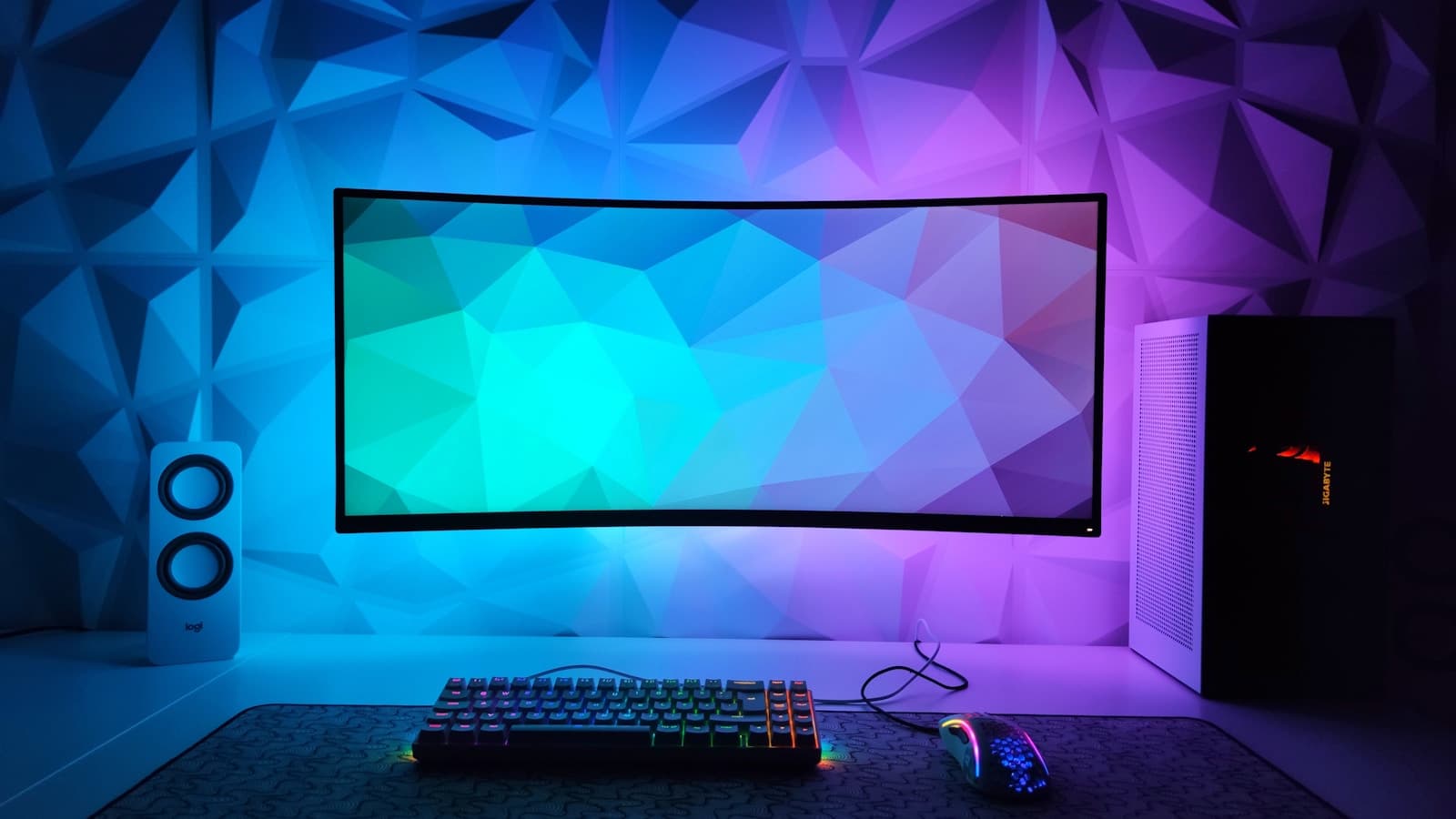
A 34-inch curved IPS ultrawide with a 100Hz panel typically runs $350 to $500. Swap in OLED at the same size and add a faster refresh rate and the price jumps to $900 to $1,300 - the panel, not the size, is what moves that number. Before spending at the high end, it's worth checking whether your desk and your graphics card can actually make use of what you'd be paying for.
These key factors affect ultrawide monitor affordability
Panel technology drives most of the price gap
A 34-inch IPS panel at a standard 100Hz costs $350 to $500. The same size in OLED, with true blacks and a 165Hz or faster refresh rate, jumps to $900 to $1,300. Curved 5120x1440 dual-QHD panels sit at the very top of that range and are really built for people who want two monitors' worth of pixels stitched into one frame.
Resolution and refresh rate for your actual use
3440x1440 is the resolution most ultrawides ship with, and a mid-range graphics card handles it comfortably in most games. Push to 5120x1440 or chase a 240Hz refresh rate and you need a GPU that can actually render at that pixel count and frame rate - otherwise you've paid for a spec you can't use. None of it matters much for office work, where refresh rate barely factors in.
Desk and setup requirements
A 34-inch curved panel needs roughly 30 inches of desk depth to sit at a comfortable viewing distance, deeper than a lot of desks actually offer. Weight is the other catch: several ultrawides, especially the larger curved ones, are too heavy or too wide for a standard monitor arm and need a sturdier mount or stand, sometimes sold separately.
How to use your results
- If the OLED price pushes your score into risky territory, an IPS ultrawide delivers most of the productivity and immersion benefit at roughly half the cost.
- Consider whether you're replacing a dual-monitor setup, since an ultrawide can consolidate two screens into one and may not be a purely additional expense.
- Check the monitor's stand or VESA mount compatibility against your existing desk arm before buying, since an incompatible mount adds unplanned cost.
Ways to make an ultrawide monitor more affordable
- Buy during major retail sales events, when ultrawide monitors are commonly discounted 15 to 30 percent, especially older generation panels being cleared out.
- Choose IPS over OLED unless you specifically need perfect blacks or extremely fast response times, since IPS panels cover most everyday use at a fraction of the cost.
- Look at open-box and manufacturer-refurbished listings, which typically carry full or near-full warranty coverage at 20 to 35 percent below new pricing.
- Skip curved OLED gaming-branded models if you mainly do office work, since flat and less aggressively curved panels cost less and suit productivity tasks just as well.
More tech & hobbies calculators
Peer comparison data
Bureau of Labor Statistics (median income by age), Experian (credit score by age)
Used by the “how you compare” figures in the sidebar, not by the costs on this page.
Every figure on this site, with its source and the date it was last verified
How you compare
Income
Credit score
Nothing added yet - add something to see your risk.