Want the occasional useful email?
New calculators, updated cost data, and the occasional money-saving guide. No account needed, and you can leave any time.
By Alex Diaz · How we calculate this
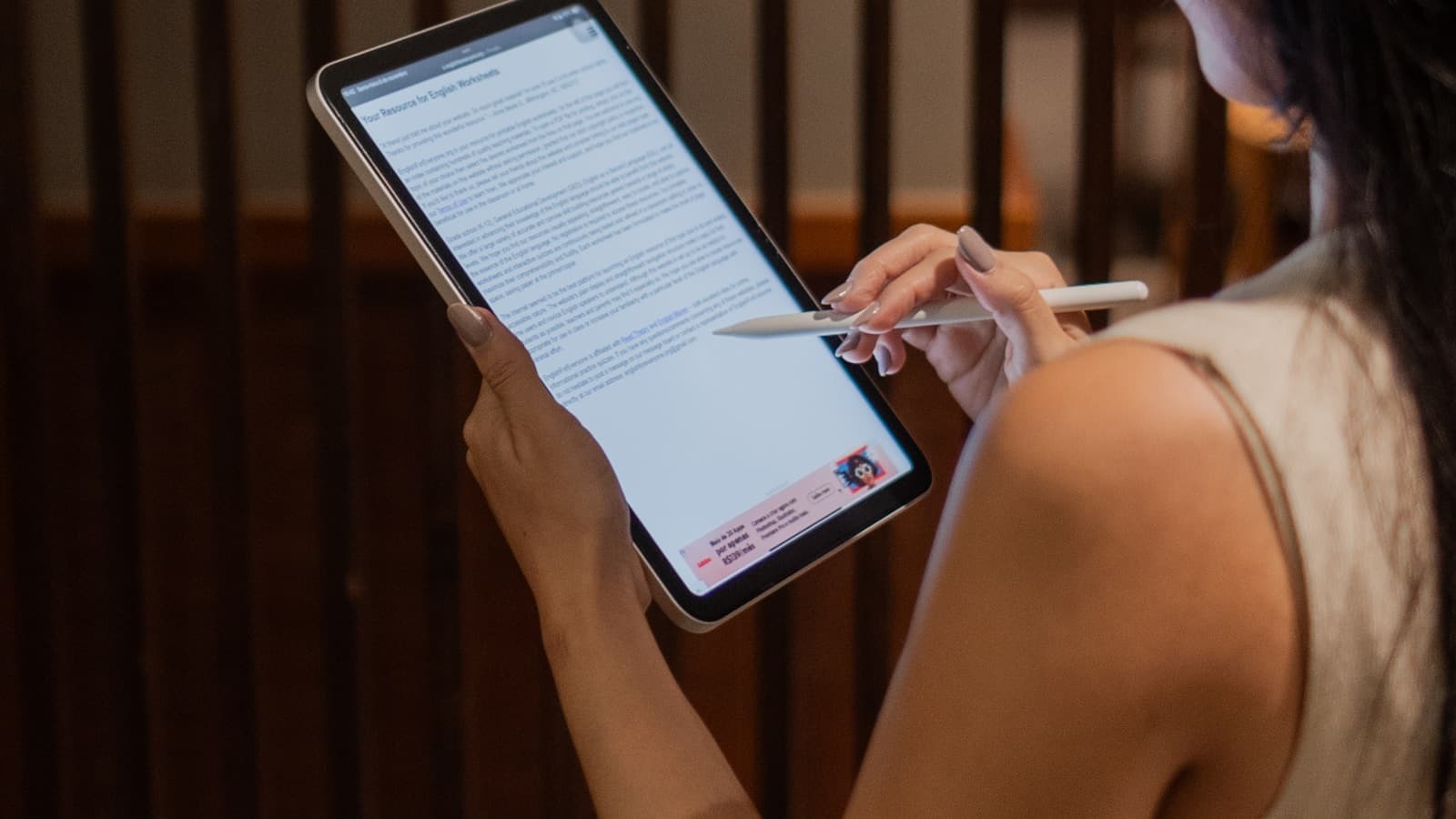
A base 64GB Wi-Fi iPad starts around $329, but that number rarely survives contact with real use. Step up to a Pro-tier model with more storage and a better display, add a keyboard case and a stylus, and you're closer to $900 than $400. Cellular versions add a second line item too: a data plan that keeps billing long after the tablet itself is paid off.
These key factors affect tablet affordability
Storage and cellular configuration
Storage tier does most of the heavy lifting on price. A 64GB Wi-Fi-only tablet runs about $329, and jumping to 256GB or 512GB with cellular built in can nearly double that, into $700-plus territory before a single accessory gets added. Cellular only pays for itself if you're actually away from Wi-Fi often enough to use it; otherwise it's a recurring data plan bill for a feature that mostly sits idle.
Accessories for productivity use
Note-taking, drawing, or using a tablet as a laptop stand-in all but requires a keyboard case and a stylus, and neither ships in the box. An Apple Pencil runs $79 to $129, a Magic Keyboard or Smart Keyboard Folio another $150 to $300 on top of that. Buy a $500 tablet planning to use it that way, and the real total lands closer to $800.
Use case determines the right spec tier
Streaming video, browsing, or handing the tablet to a kid doesn't call for much horsepower - a $150 to $250 entry-level model covers all of that fine. Digital illustration and video editing are a different story: a high-refresh OLED display and a faster chip are what you're paying for in the Pro tier, and that's what pushes those models into the $1,000 to $1,300 range.
How to use your results
- Match the tablet tier to your actual use case rather than the newest release, since streaming and browsing don't need Pro-level specs.
- If your risk score is high, look at a lower storage tier or a previous-generation model before cutting the accessories you need.
- Remember that a keyboard and stylus can add hundreds of dollars, so price those in before deciding what you can afford.
Ways to make a tablet more affordable
- Choose Wi-Fi-only over cellular unless you specifically need connectivity away from a hotspot or phone.
- Buy a base storage model and offload large files to cloud storage instead of paying a premium for extra onboard space.
- Look for certified refurbished tablets direct from the manufacturer, which typically run 15 to 20 percent less with a standard warranty.
- Hold off on the keyboard and stylus at purchase and add them later once you know you'll use the tablet for productivity work.
More tech & hobbies calculators
Peer comparison data
Bureau of Labor Statistics (median income by age), Experian (credit score by age)
Used by the “how you compare” figures in the sidebar, not by the costs on this page.
Every figure on this site, with its source and the date it was last verified
How you compare
Income
Credit score
Nothing added yet - add something to see your risk.