Want the occasional useful email?
New calculators, updated cost data, and the occasional money-saving guide. No account needed, and you can leave any time.
By Alex Diaz · How we calculate this
The graphics card is where most of a gaming PC's budget goes - usually 30-40% of the total - and it does more to determine actual performance than any other single part. Everything else in the build mostly exists to keep up with it.
A capable $700 build handles esports titles at 1080p without much fuss. Push toward 4K at high frame rates and you're closer to $3,500, nearly all of it driven by which card you picked. Figuring out what resolution and frame rate you actually need, before shopping for parts, saves more money than any discount code will.
These key factors affect gaming PC affordability
Graphics card tier
Budget cards like the RTX 4060 or RX 7600 sit at $250-350 and handle 1080p without complaint. Step up to a 4070 or 4070 Super, around $500-700, and 1440p becomes comfortable. Go further, into 4080 Super or 4090-class territory, and you're paying $1,000-1,700 for a card built for 4K or high-refresh competitive play - money that only makes sense if the monitor and CPU around it can actually use it.
New GPU generations tend to arrive every couple of years, and last-gen cards typically drop 30-50% in price the moment the new ones land, which is usually the fastest way to bring an over-budget build back in line. It also means staying current is an ongoing cost, not a one-time one, if you plan to upgrade the card every cycle.
CPU, motherboard, and RAM
A Ryzen 5 or Core i5 with a compatible motherboard runs $300-450 for the pair, and 32GB of DDR5 adds another $80-130 on top. That's become the realistic floor for modern games plus normal multitasking, not the luxury spec it was a few years back.
Pair a $1,200 graphics card with a bargain-bin CPU and the CPU becomes the bottleneck - the GPU sits idle waiting on it, and part of what you spent on the card goes to waste. These parts need to scale together.
Prebuilt versus custom build
Buying a finished system from HP Omen, Lenovo Legion, or a boutique builder costs 10-20% more than buying the same parts and assembling them yourself, and what you get for that premium is a warranty and an afternoon back. On a mid-range machine that gap usually works out to $150-400.
The catch is that some prebuilts hit their price point by cutting corners on parts that don't show up on the spec sheet, like the power supply or case fans, so it's worth actually reading the parts list before assuming a finished system is the safer buy.
Storage, case, and power supply
Modern game installs routinely blow past 100GB each, which makes a 1-2TB NVMe SSD at $70-150 the practical floor rather than an upgrade. A case and a decent 650-850W power supply together run $150-250. The power supply is the one part not worth cheaping out on - a bad one is a common source of random crashes and, in worse cases, fried components.
Monitor and peripherals
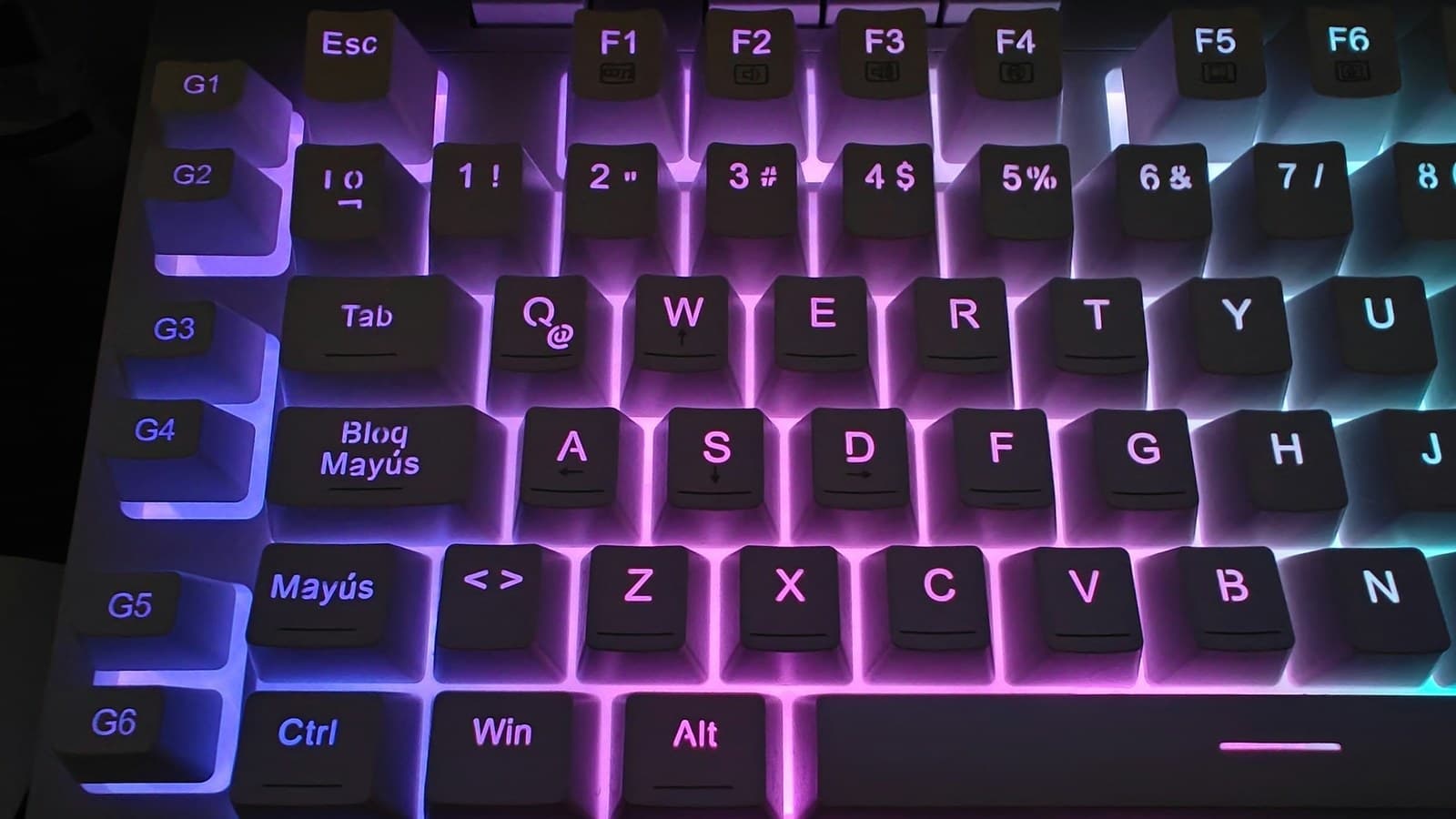
A 144Hz monitor that can actually show off the frame rate you just paid for runs $200-500, and it's the line item people forget to budget for since it's not part of the tower. Add $100-200 for a keyboard and mouse, and another $80-150 for a headset worth using.
How to use your results
- If your result shows low risk, you likely have room to go up a GPU tier without straining your budget over the following months.
- If it shows moderate to high risk, consider a previous-generation GPU or dropping from 4K to 1440p targets, which can cut $300-500 off the total.
- Remember to price the full system, including monitor, peripherals, and OS license, not just the tower, since these can add $300-700 to a quote that looks affordable at first glance.
- Re-run the estimate with a prebuilt price and a custom-build price side by side to see how much the convenience premium is actually costing you.
Ways to increase how much gaming PC you can afford
- Buy the GPU and CPU one generation back; performance-per-dollar on last-gen parts is usually 20-30% better once new models launch.
- Build it yourself instead of buying prebuilt to recover the 10-20% assembly markup and put that money toward better parts.
- Reuse a case, monitor, keyboard, or mouse from a previous setup rather than replacing everything at once.
- Buy storage and RAM during sales events, since these components see frequent 20-30% price swings compared to relatively stable GPU pricing.
- Spread the purchase into two phases: build a capable base system now and add a GPU upgrade in 6-12 months when your budget has recovered.
More tech & hobbies calculators
Peer comparison data
Bureau of Labor Statistics (median income by age), Experian (credit score by age)
Used by the “how you compare” figures in the sidebar, not by the costs on this page.
Every figure on this site, with its source and the date it was last verified
How you compare
Income
Credit score
Nothing added yet - add something to see your risk.